REPLs
Introduction
The Interactive Ruby Shell, more commonly known as IRB, is one of the most important tools for a new developer. IRB allows you to quickly test small bits of code without having to create new scripts. IRB is a type of repl.
To get it up and running, all you need to do is type the following into a terminal prompt:
irb
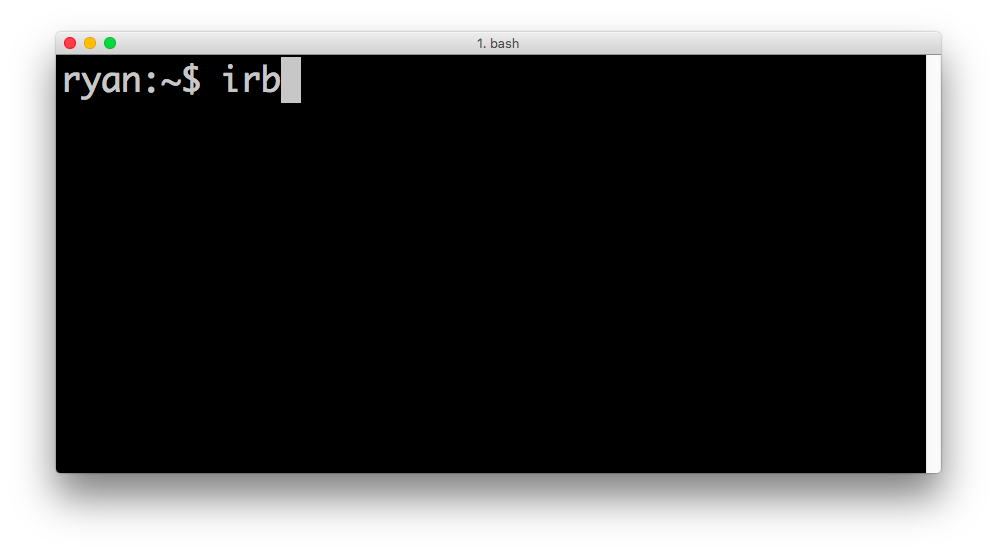
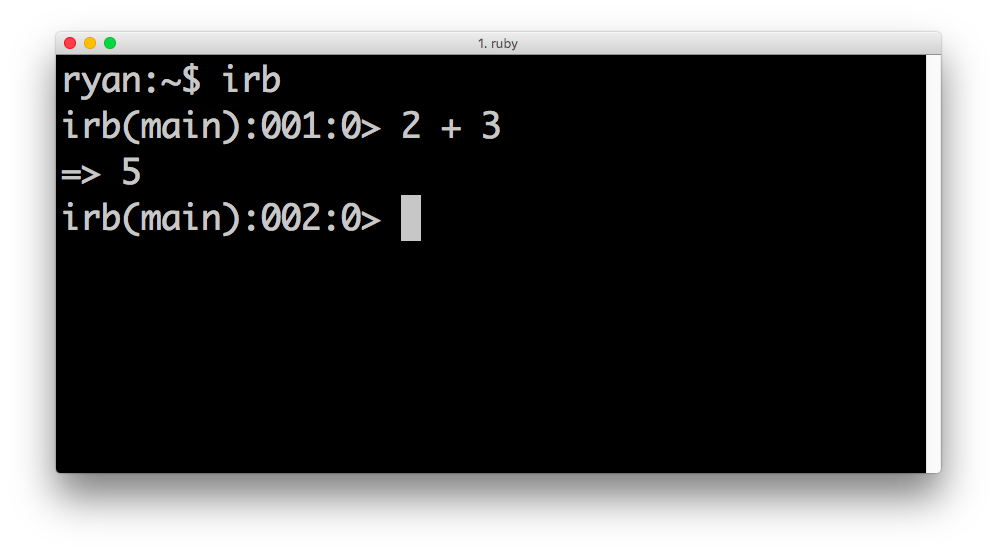
This launches IRB. Inside, you can perform basic ruby methods, like adding two numbers:
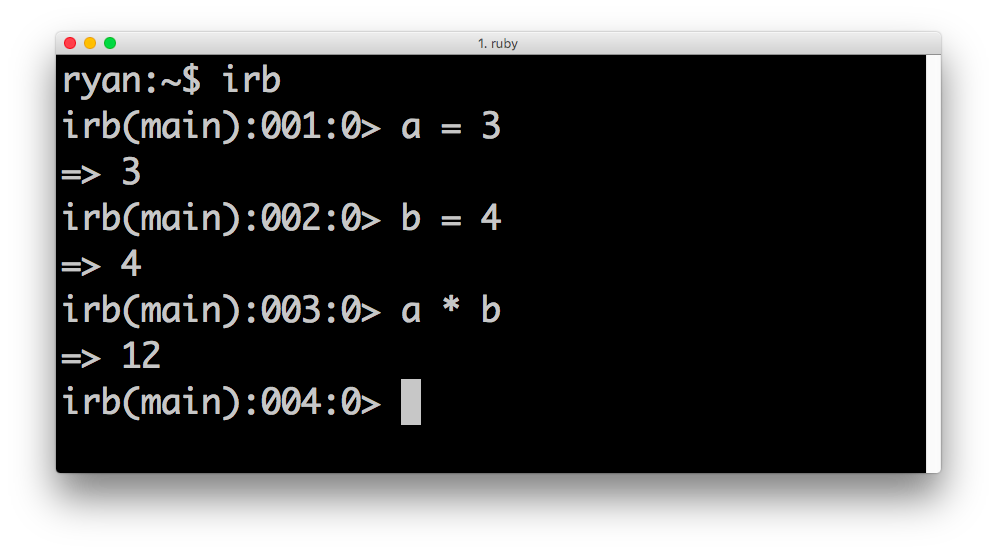
You can also create variables:
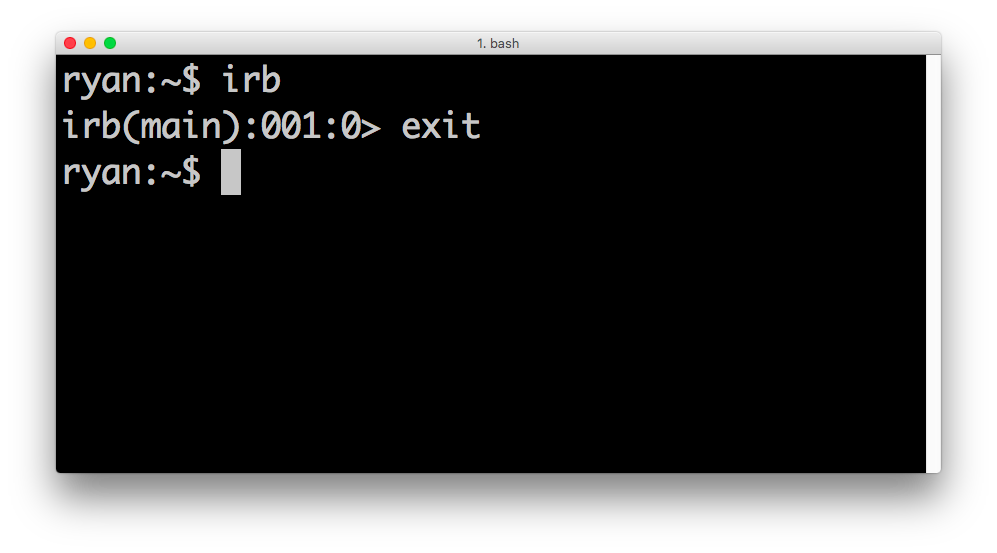
You can leave irb by typing exit
Pry
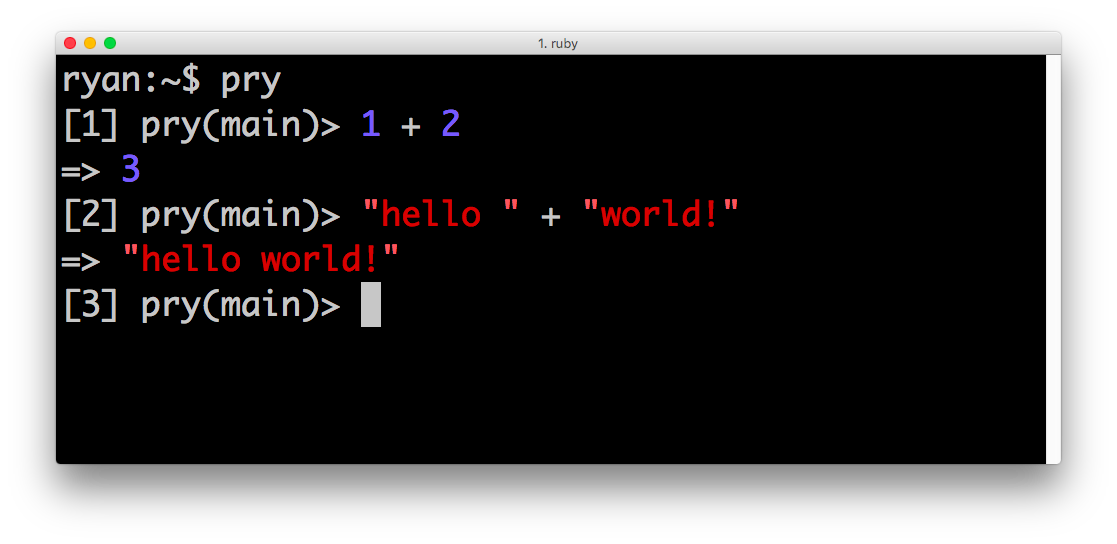
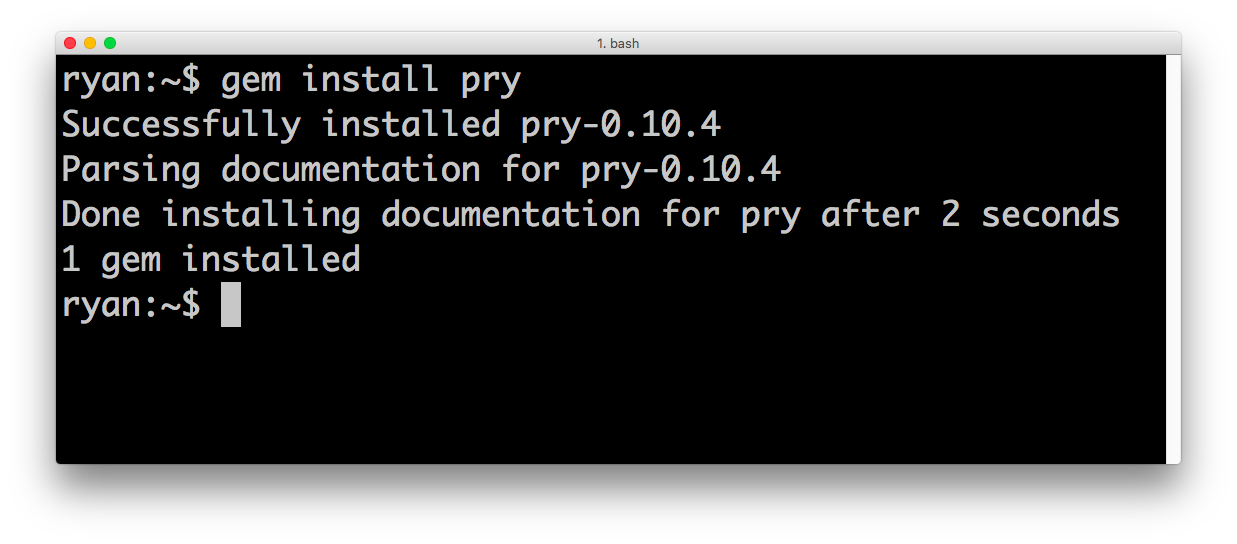
Pry is a slightly nicer repl; it's color-coded and formats output nicely for us. Install pry by running:
gem install pry
Start pry by just typing:
pry
(You leave in the same manner, exit)
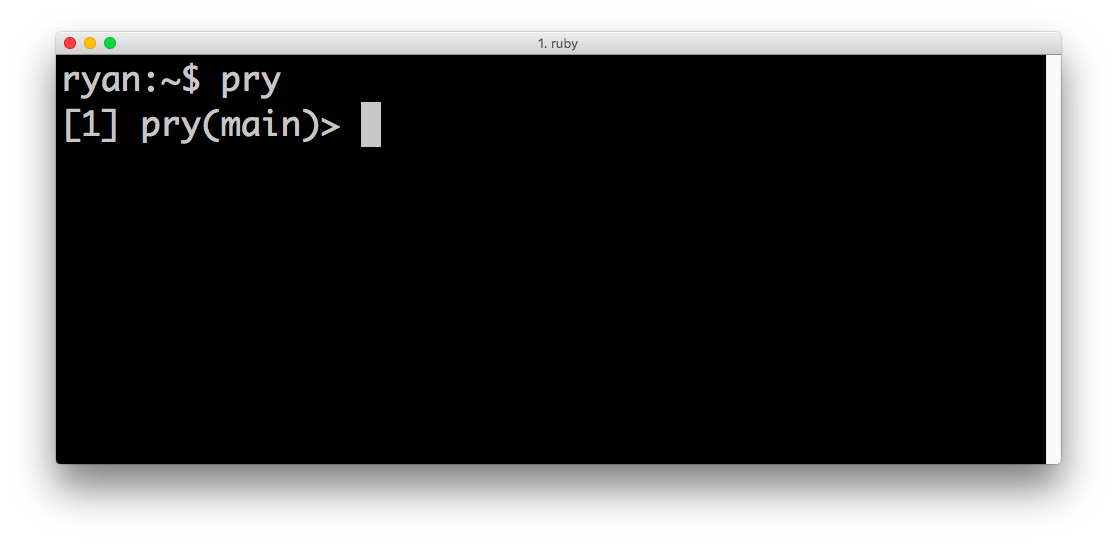
Oh the colors! :)